Setup Mail iOS
1. ทำการเลือก Settings 
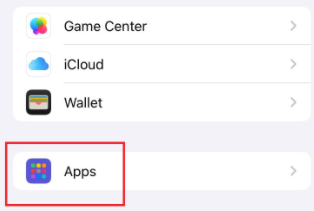
2. ทำการเลือก Apps
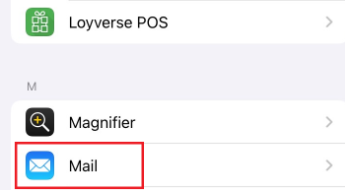
3. เลือก Mail
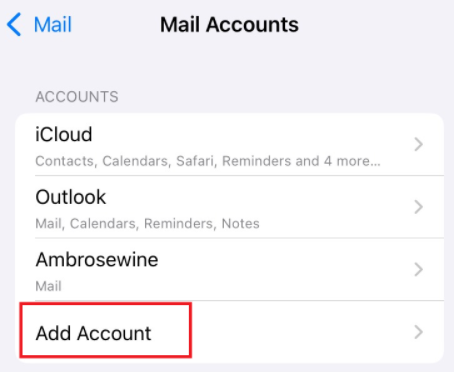
4. เลือก Add Account
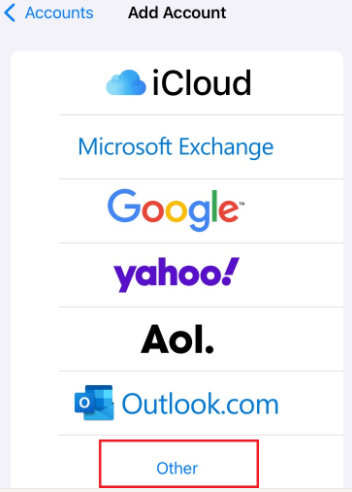
5. เลือก Other
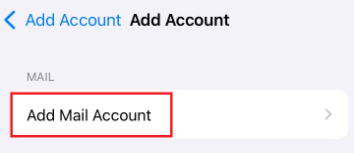
6. เลือก Add Mail Account
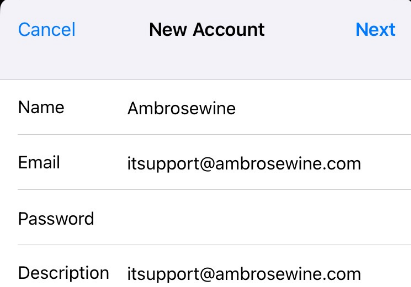
7. ใส่ E-mail และ รหัสผ่าน เสร็จแล้วกด Next
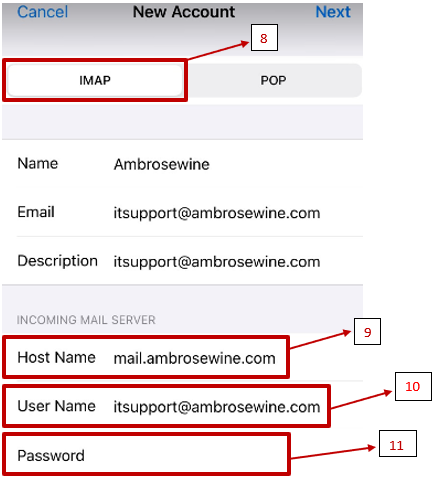
8. เลือกเป็น IMAP
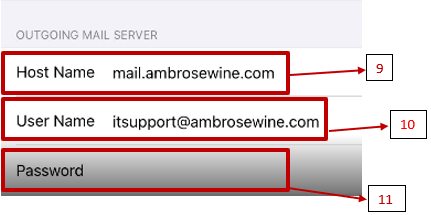
9. ตรง Host Name เราจะใส่เป็น mail.ambrosewine.com
10. User ใส่เป็น E-Mail
11. Password : Email