วิธีเช็ค stock สินค้าผ่าน Business One Mobile Application

1. ไปที่ Business One Mobile Application
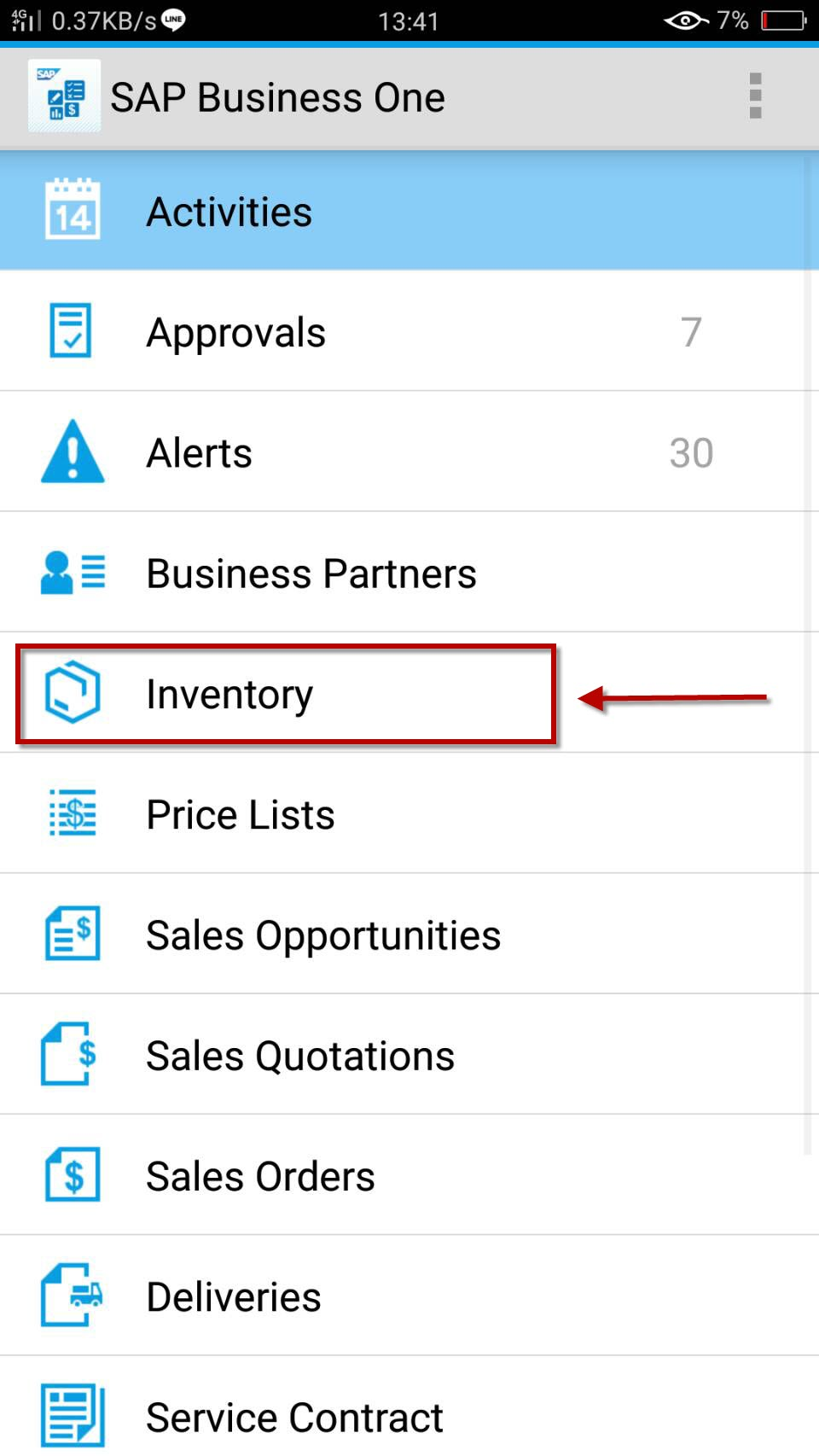
image.png

2. ไปที่ Menu Inventory

image.png

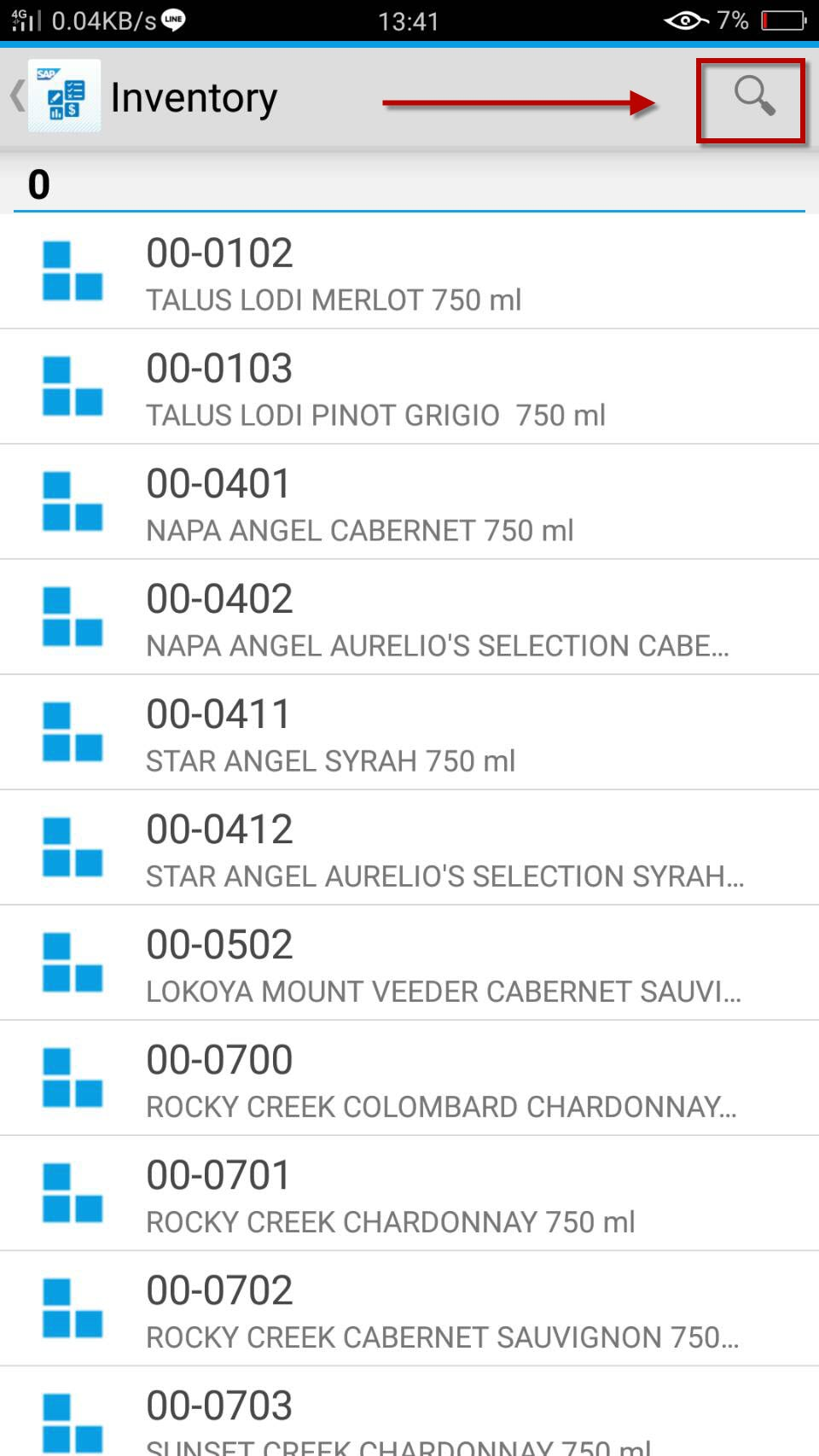
3. เลือก item ที่ต้องการ หรือแตะที่ รูปแว่นขยายเพื่อค้นหา
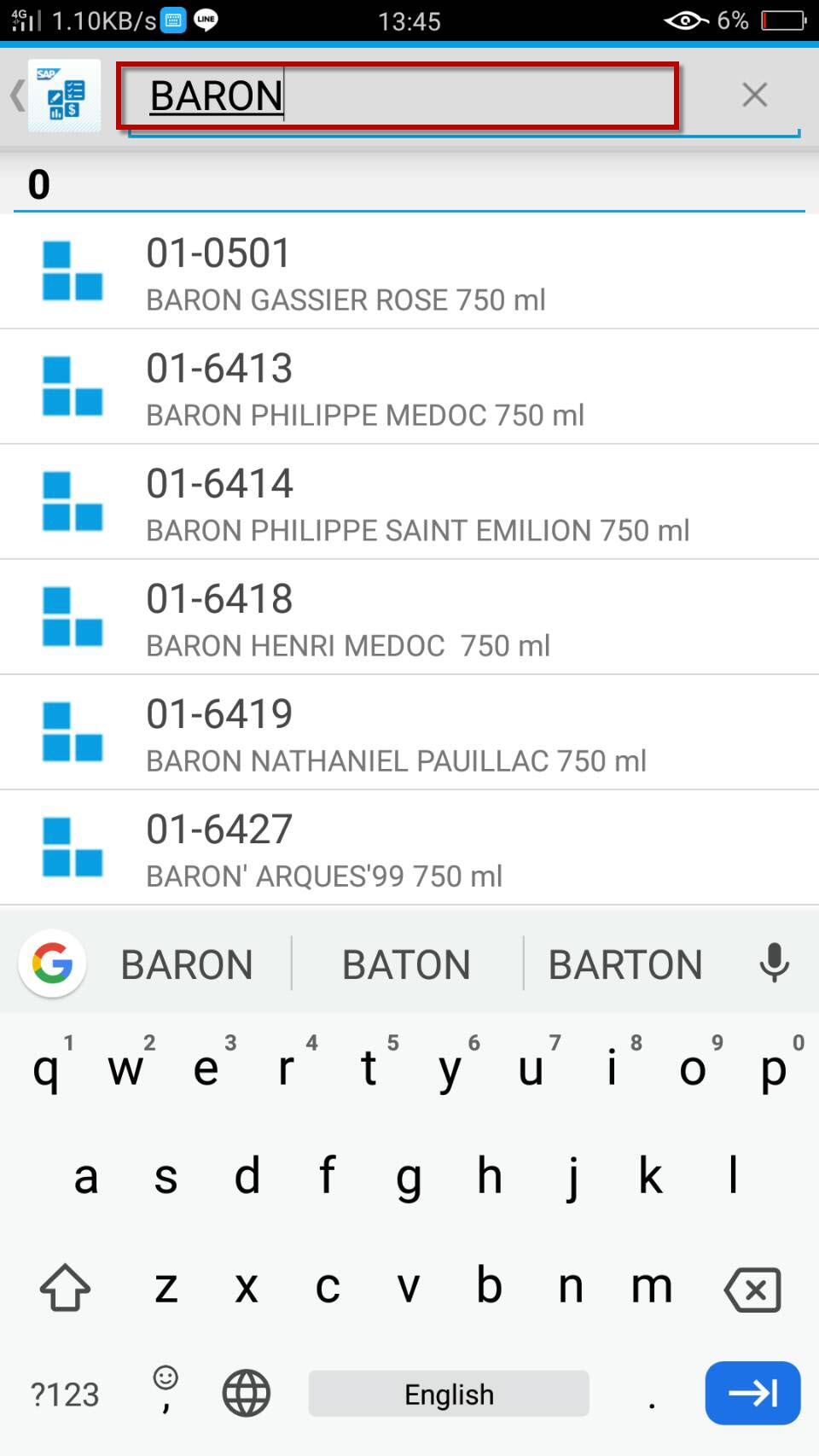
image.png

4. พิมพ์ชื่อสินค้าเพื่อค้นหา

image.png

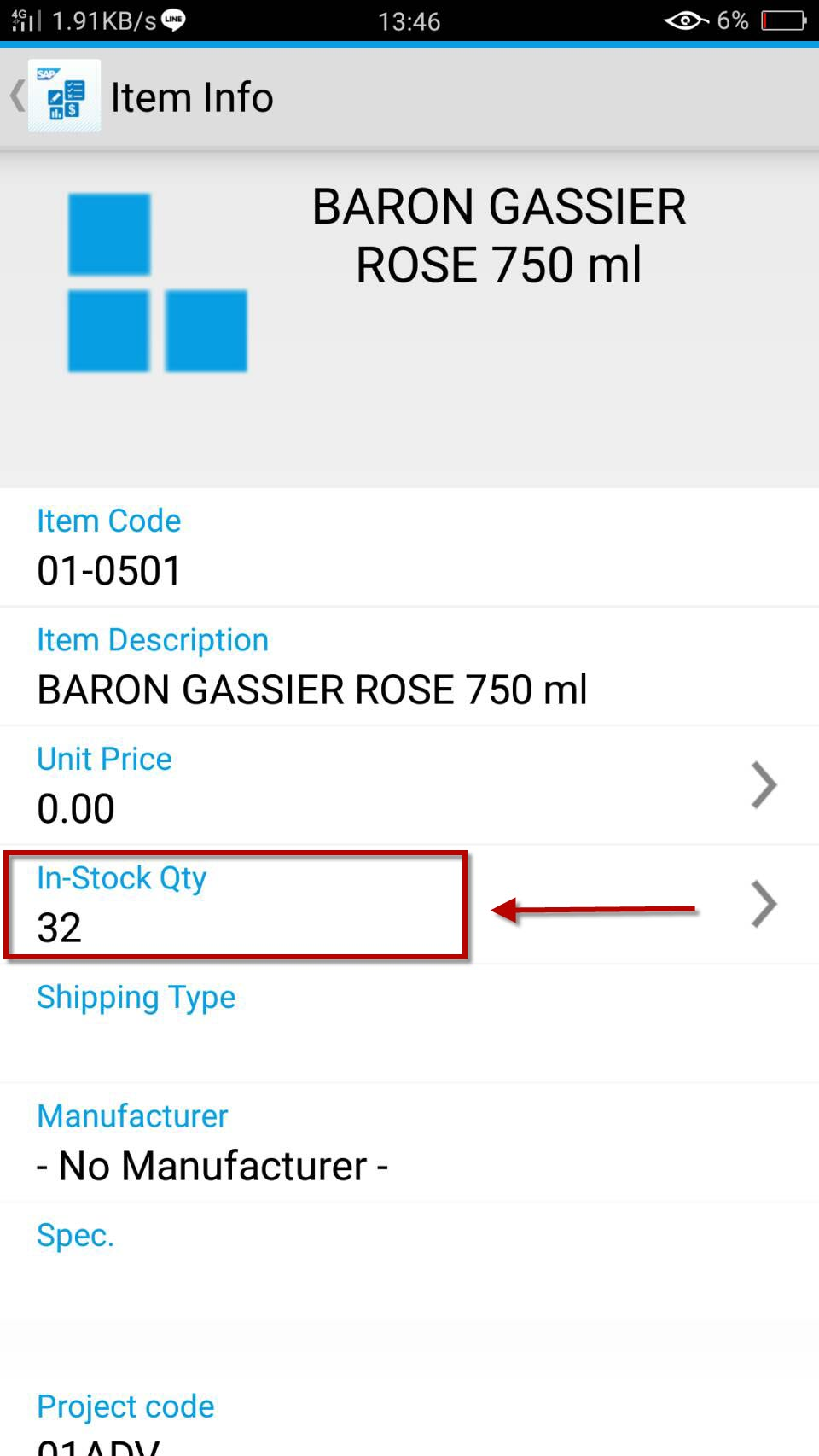
5. จะปรากฏรายละเอียดสินค้า แตะที่ In-Stock Qty
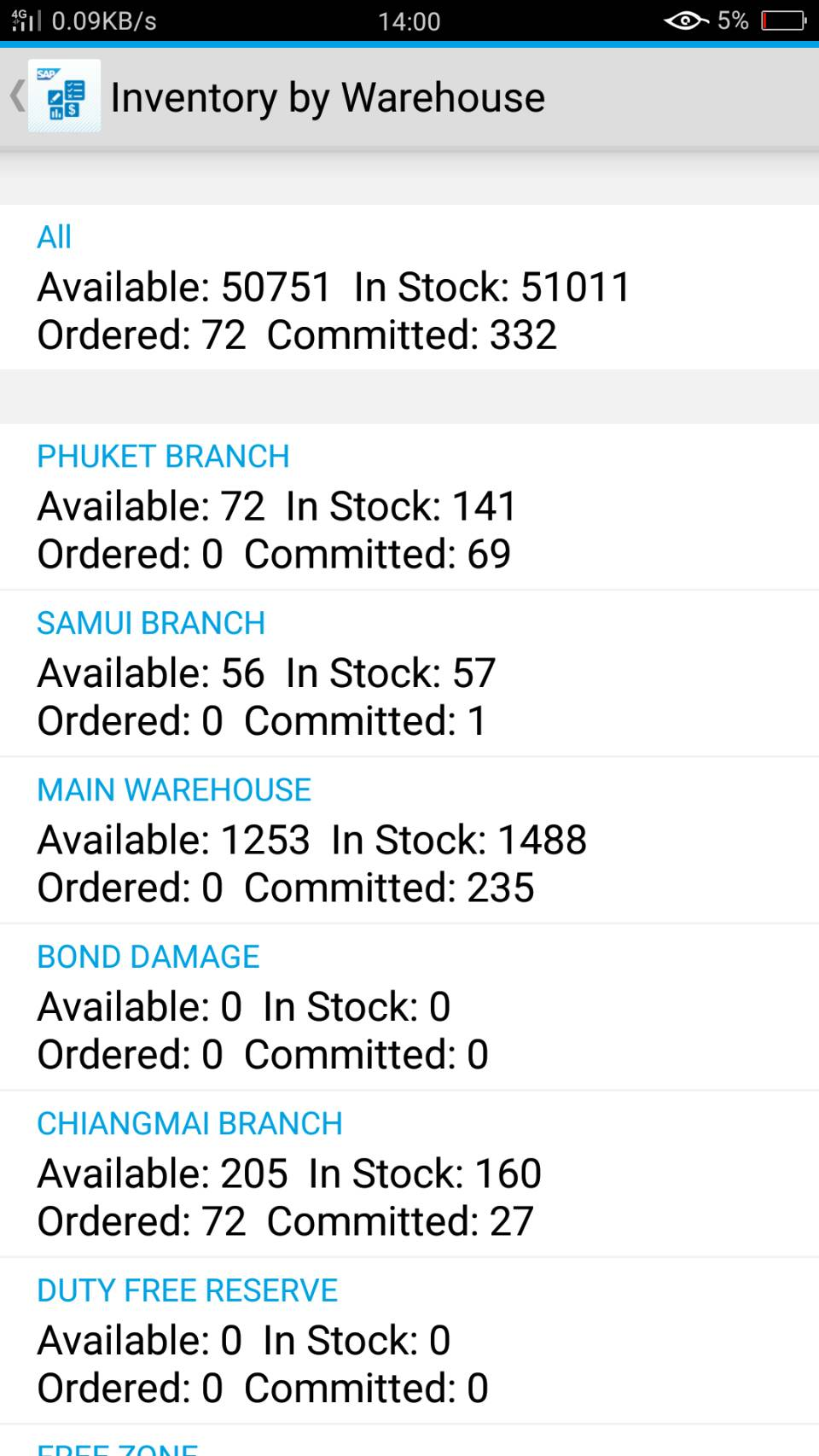
image.png

6. จะปรากฏ stock สินค้า แยกตามคลัง
          - in stock คือ จำนวนสินค้าที่มีอยู่จริงในคลัง
          - committed คือ จำนวนสินค้าที่อยู่ในคำสั่งขาย (Sales order)
          - ordered  คือ จำนวนสินค้าที่อยู่ระหว่างการจัดซื้อ (Purchase order)
          - available คือ จำนวนสินค้า in stock - committed + ordered


Revision #4
Created 2026-08-19 08:37:54 UTC by Admin
Updated 2026-08-26 06:38:07 UTC by Admin